App Store Basics
Browse and subscribe to apps on Insight Cloud.
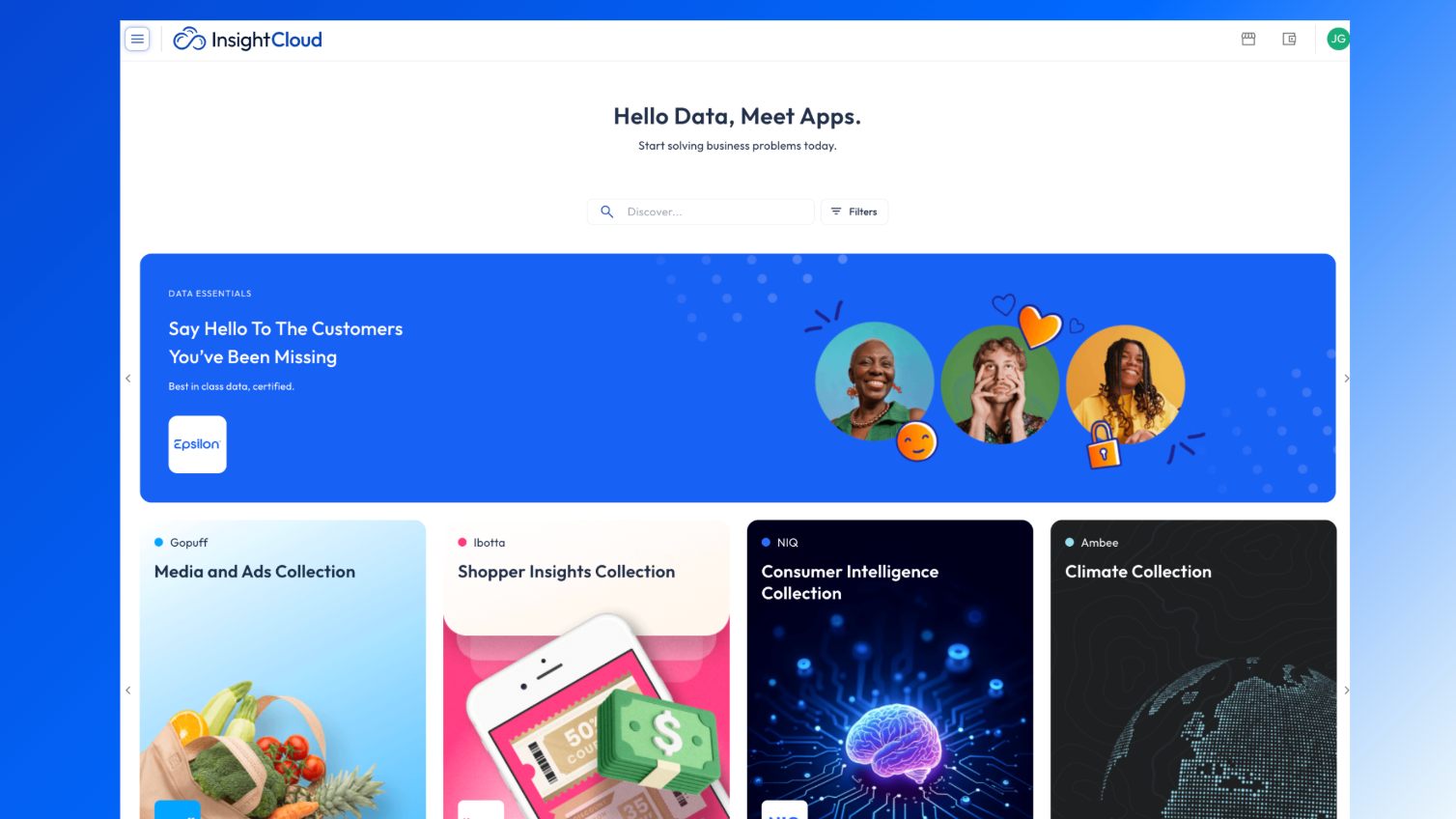
Overview
The App Store lets you browse apps, categories, and review what apps have to offer through details pages.
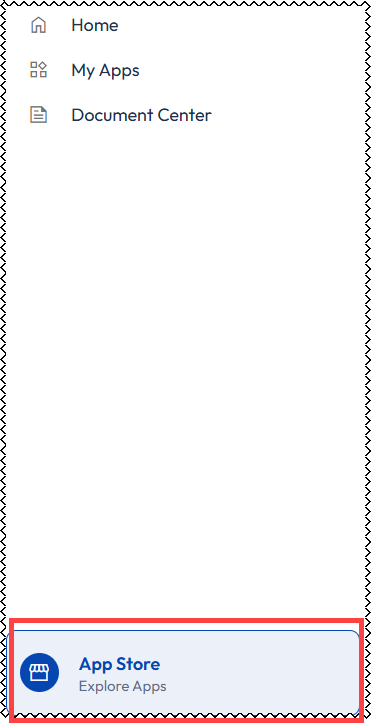
To learn more about all of the apps available on InsightCloud, click the App Store button on the left menu pane on the Insight Cloud homepage.
Navigating the App Store
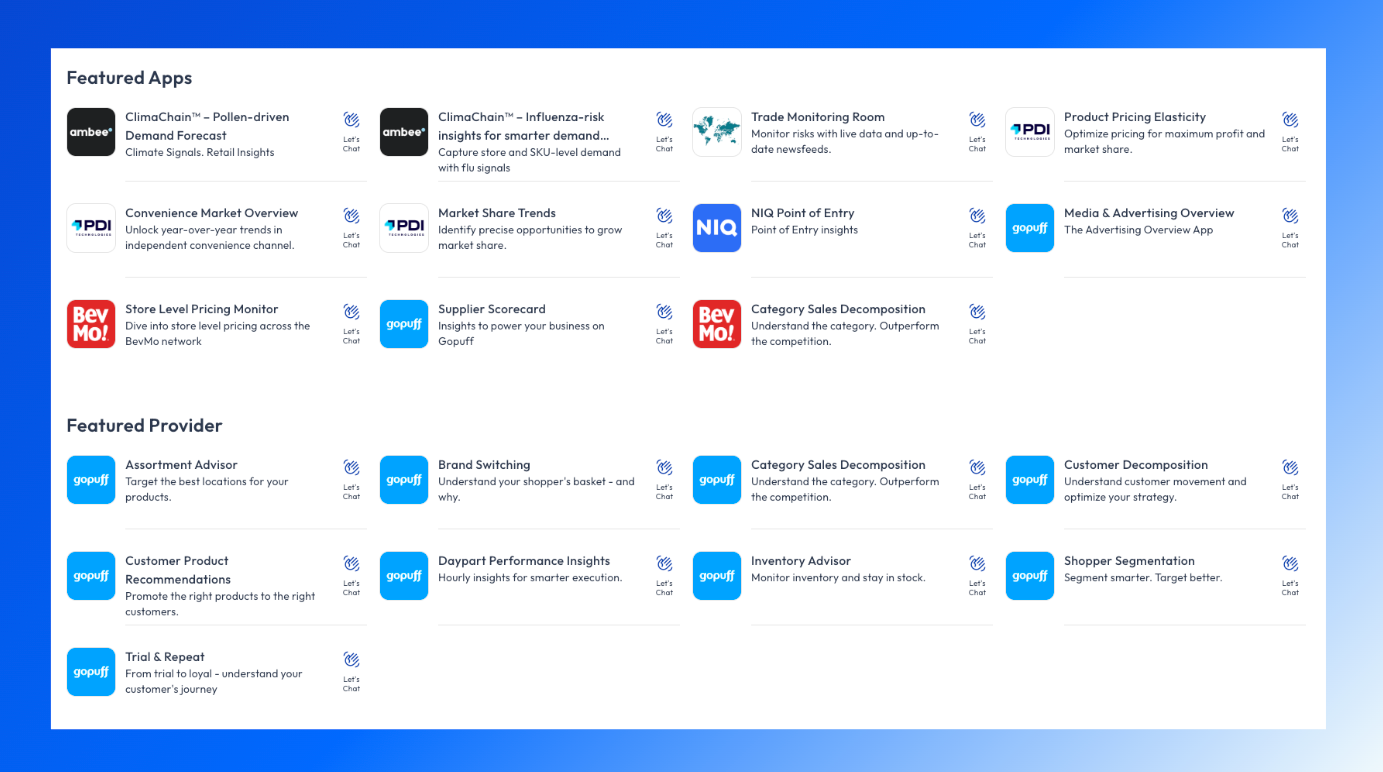
By default, apps are organized in the App Store by general categories (e.g., Featured Apps, Featured Provider, and Recommended Apps).
You can use the search bar at the top of the page to find apps by name, description, or other fields defined in the apps’ metadata, as well as apply Filters to further narrow down the options and find the apps that are right for you.
App Details
When you find an app you think might fit your needs, click on its card to view the more details.
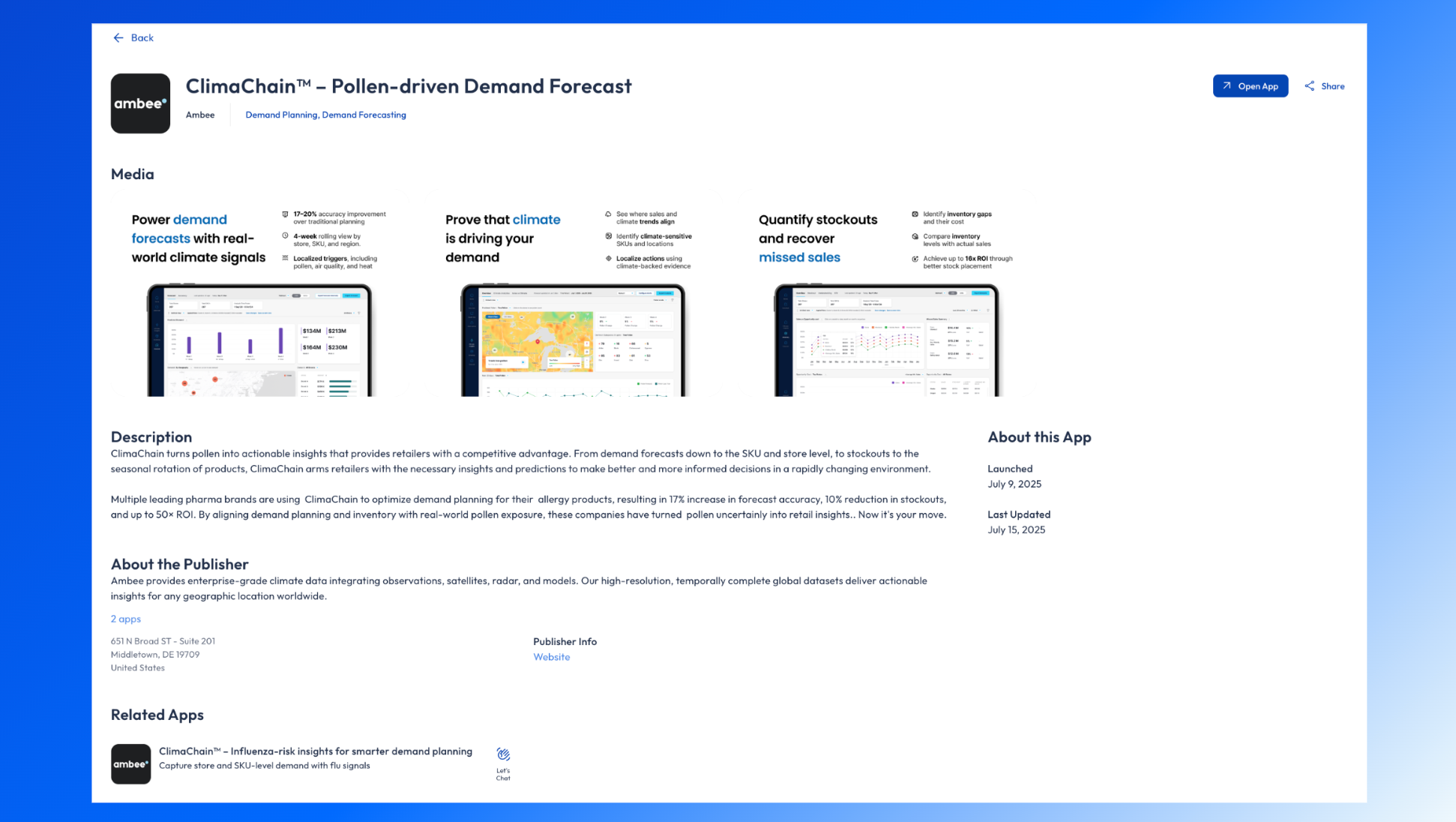
The app details page provides comprehensive information about an app and its publisher, including an app description, publisher details, screenshots, and supported sources.